How it works

Choose the path that matches the meal.

ForkYa! is built around entry points, not a rigid sequence: photo, describe, barcode, label, or search. Once the food is captured, the app helps users review the estimate, save the log, and use Coach with the context they created.

Path: photo

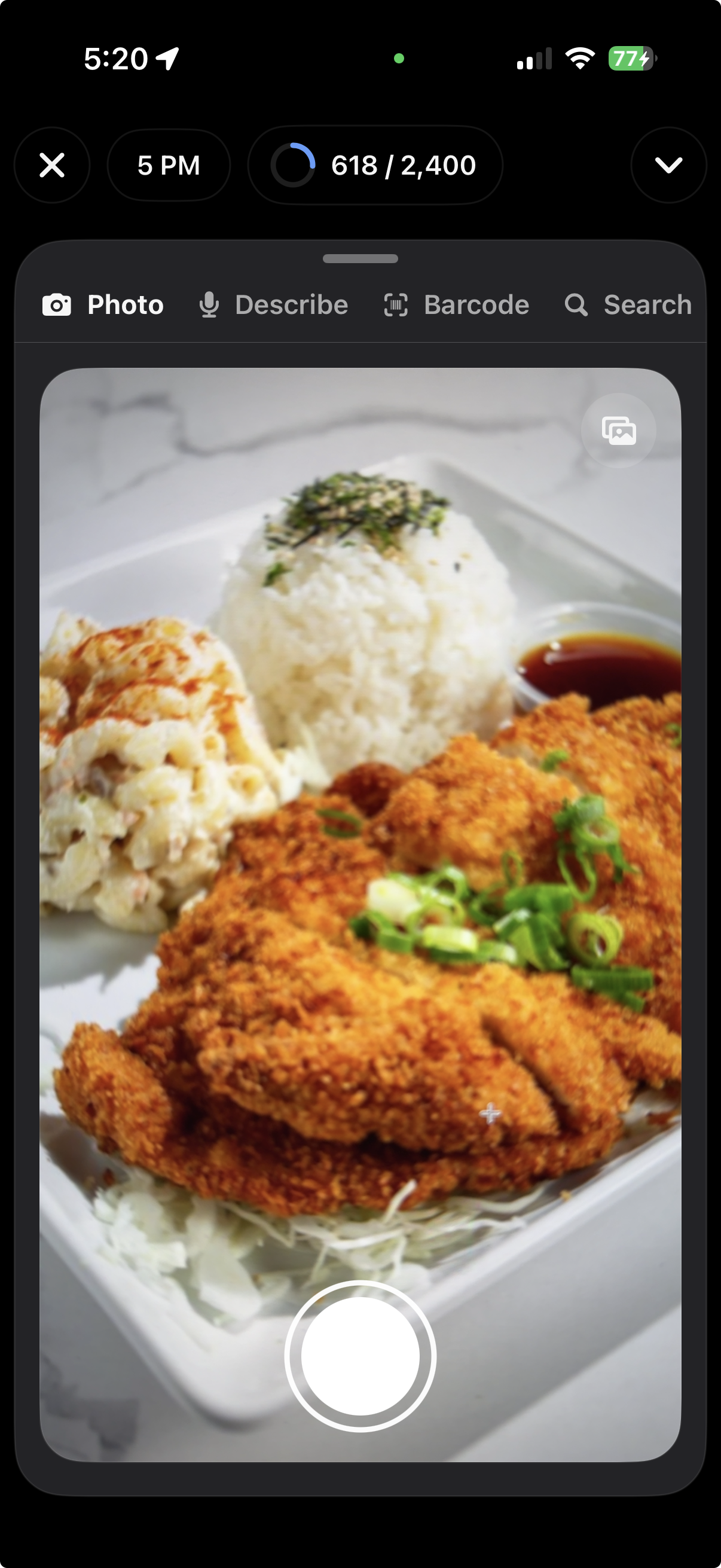
Start with the plate.

When the meal is visible, photo capture is the fastest way in. ForkYa! keeps the review surface close so users can adjust what matters before saving.

ForkYa! photo capture screen
Path: describe

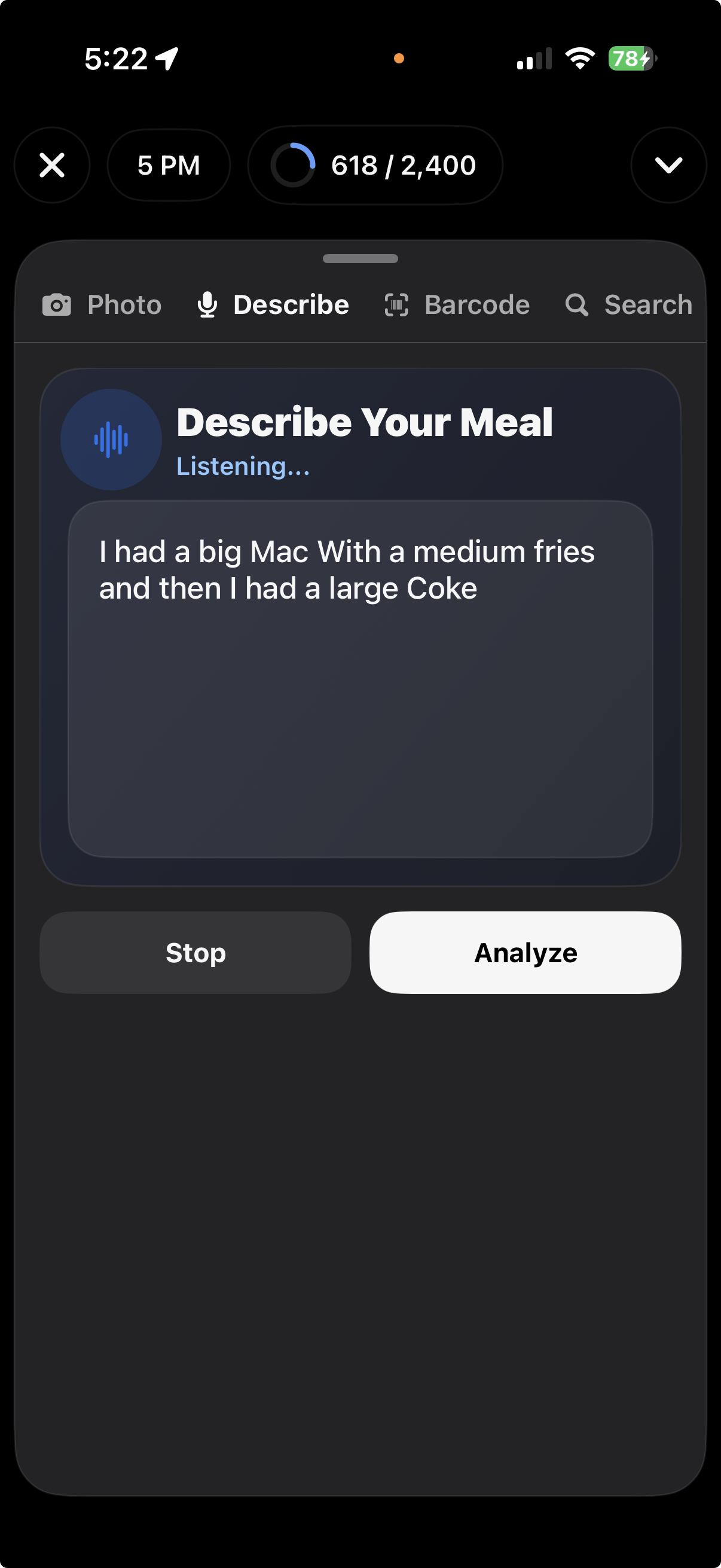
Describe when a photo is not enough.

Use plain language for portions, sauces, substitutions, or a whole meal when talking is faster than tapping through fields.

ForkYa! describe meal screen
Path: barcode + label

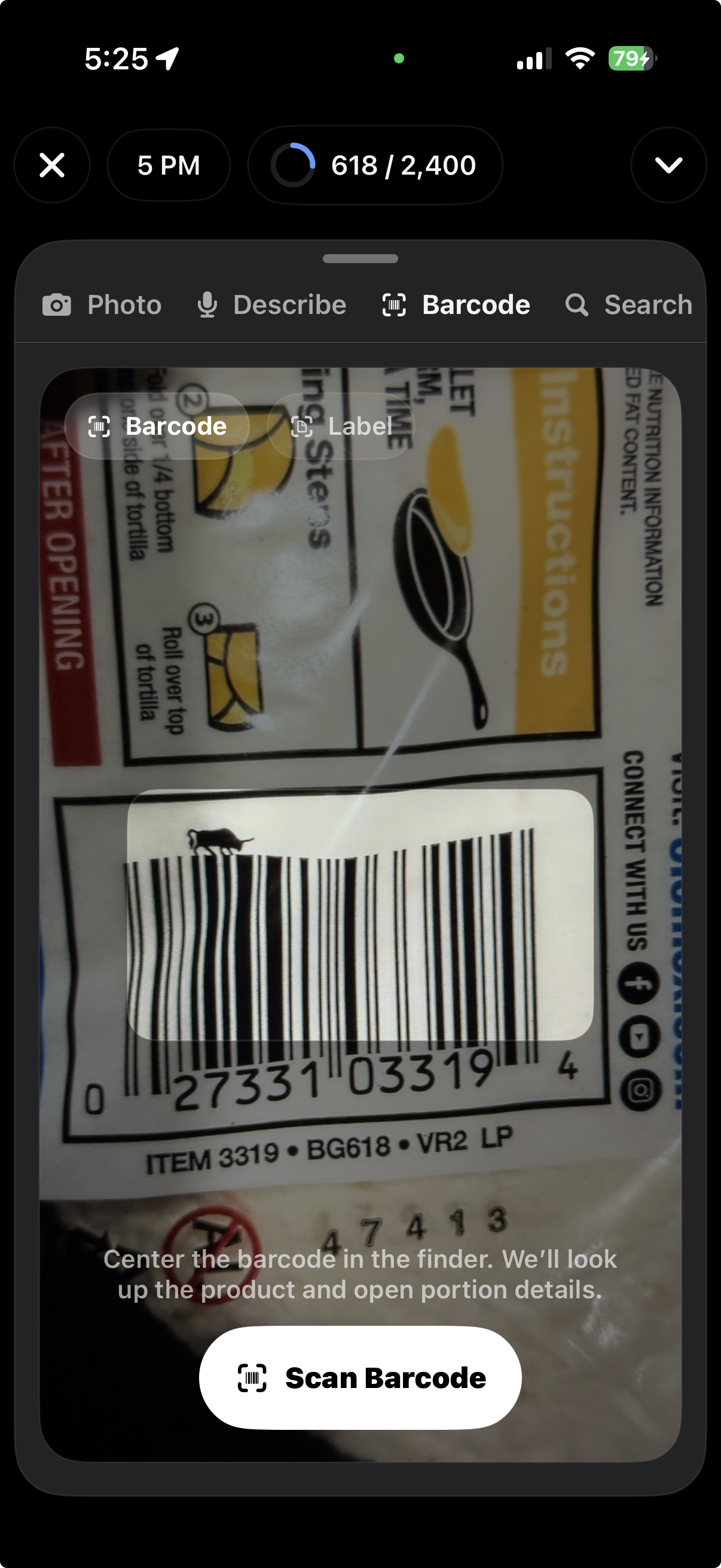
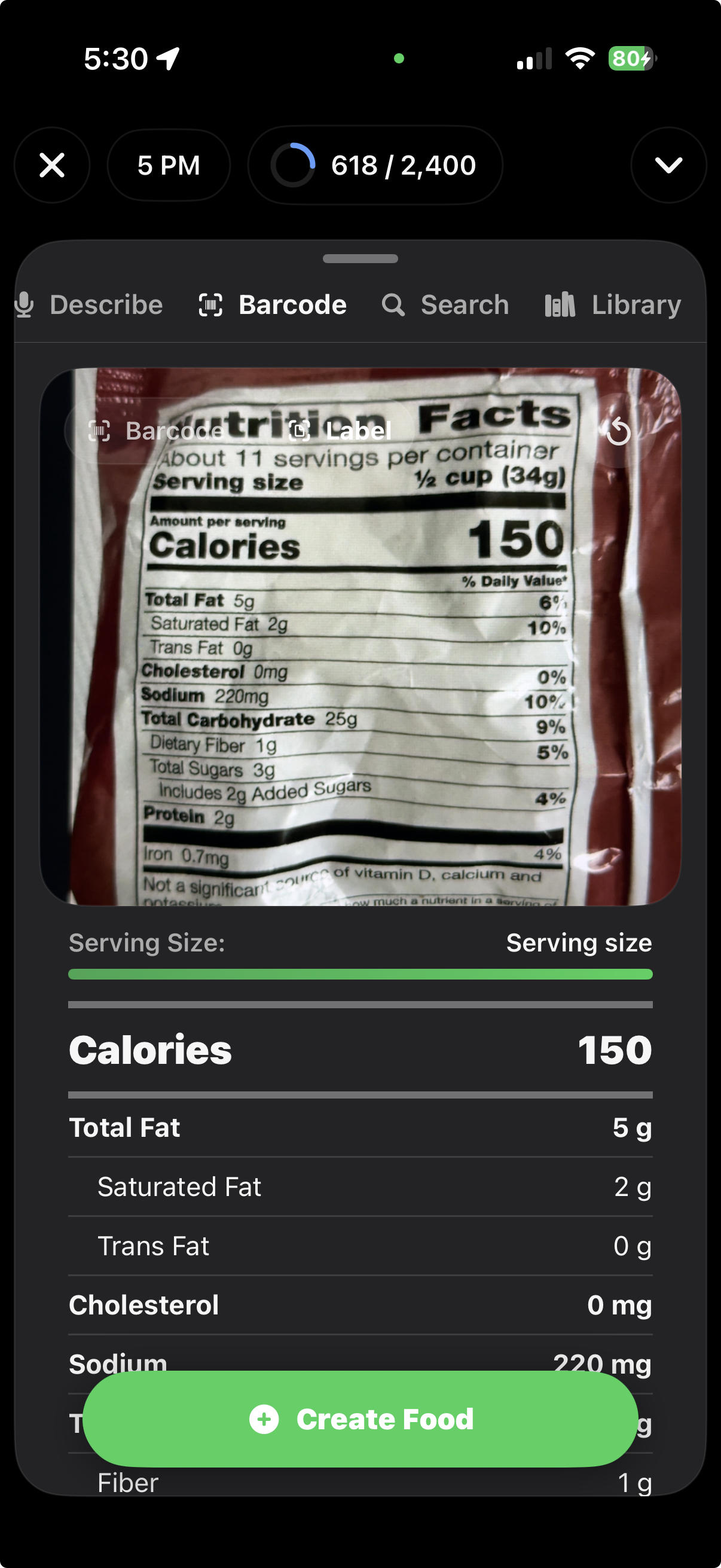
Packaged food has its own route.

Use barcode when the product is known, or nutrition label scanning when the facts panel is the best source.

ForkYa! barcode scanner screen
ForkYa! nutrition label screen
After logging

Save the meal, then use the context.

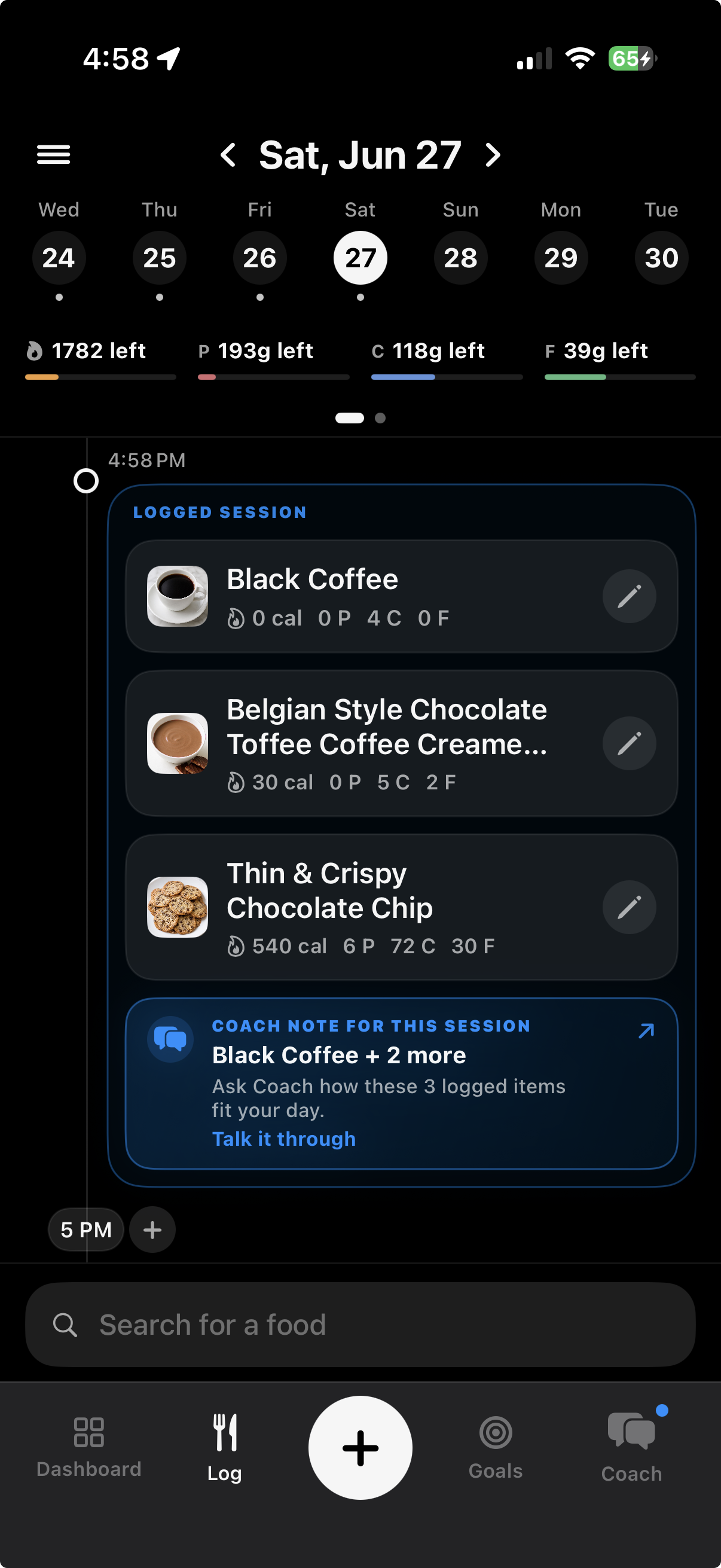
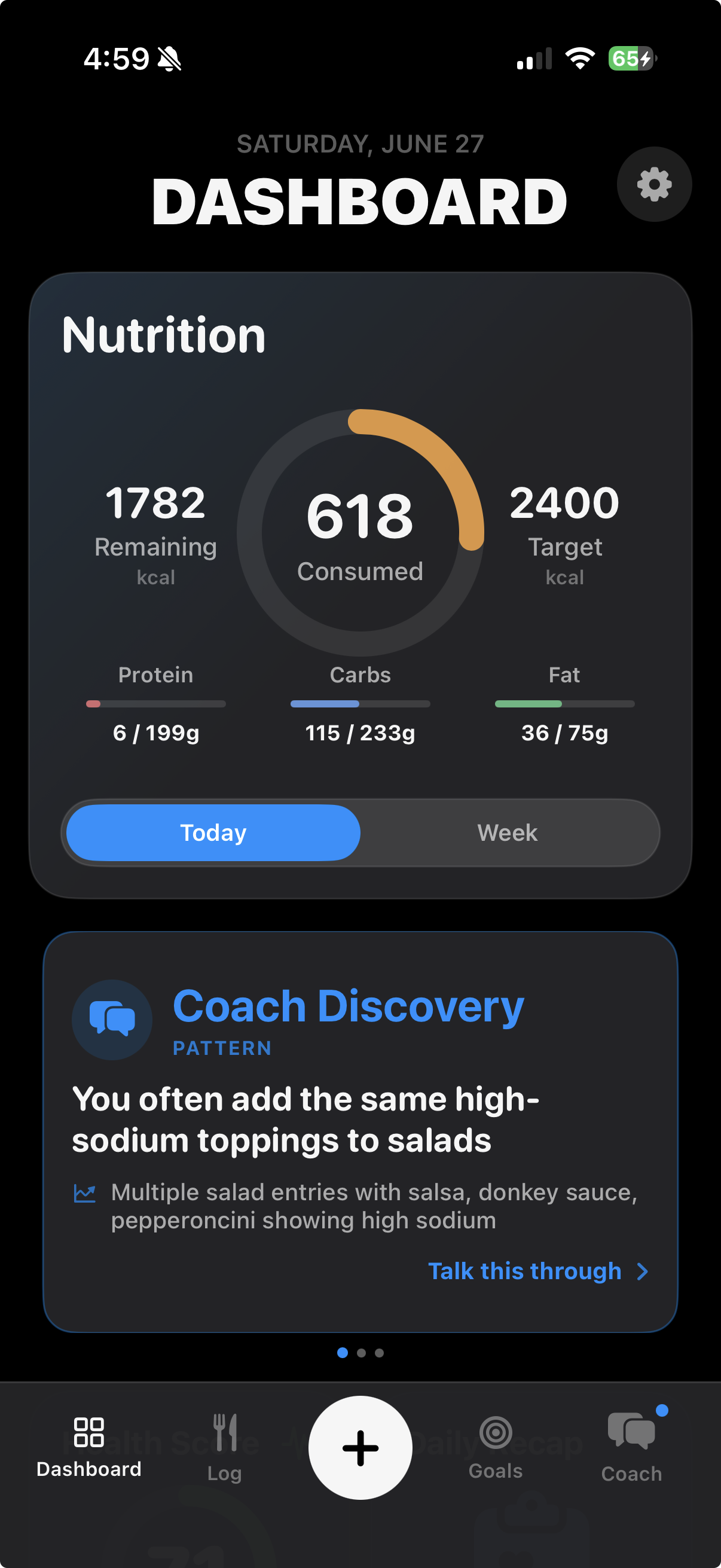
Once the meal is saved, the day view and Coach can use that context to help with the next decision.

ForkYa! daily log screen
ForkYa! Coach screen
Optional context

Add bloodwork when food data is not enough.

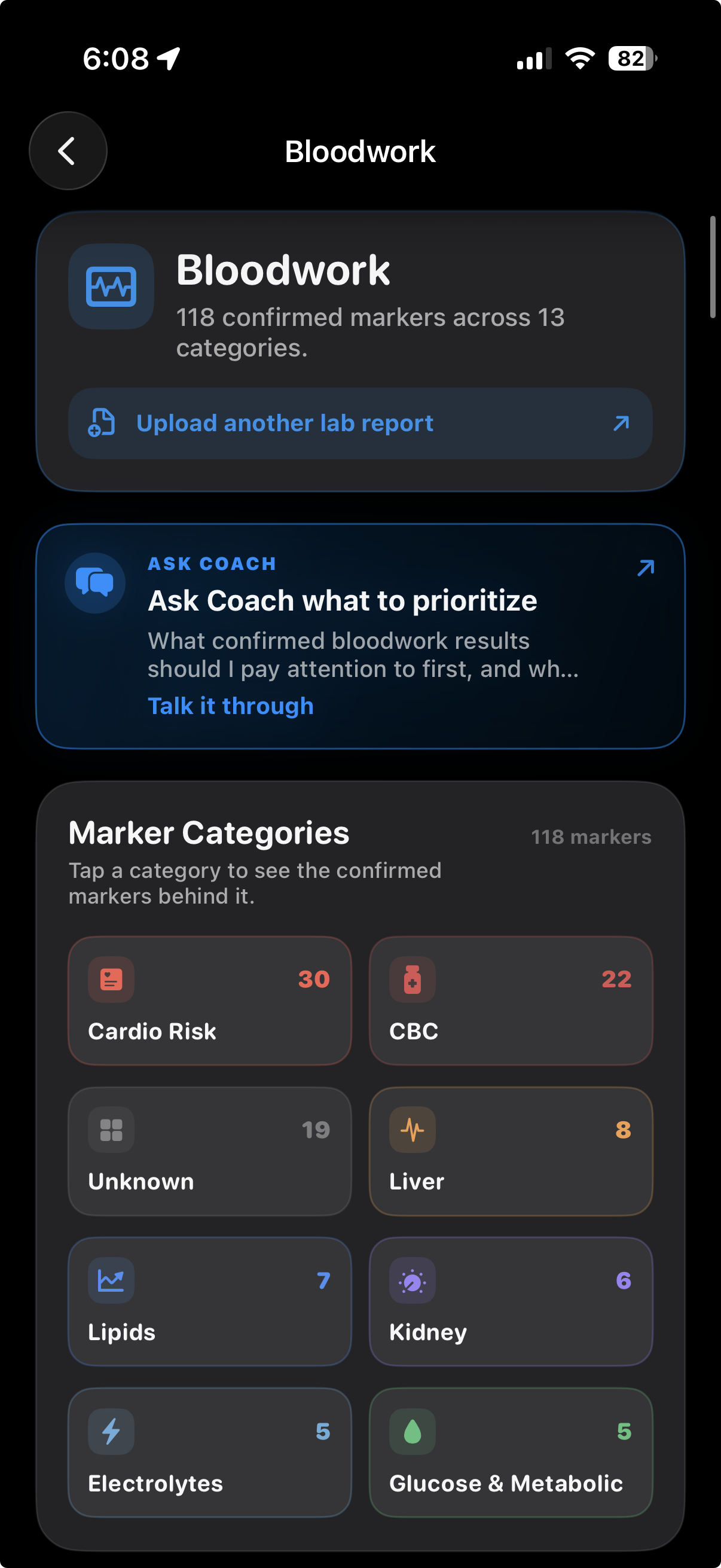
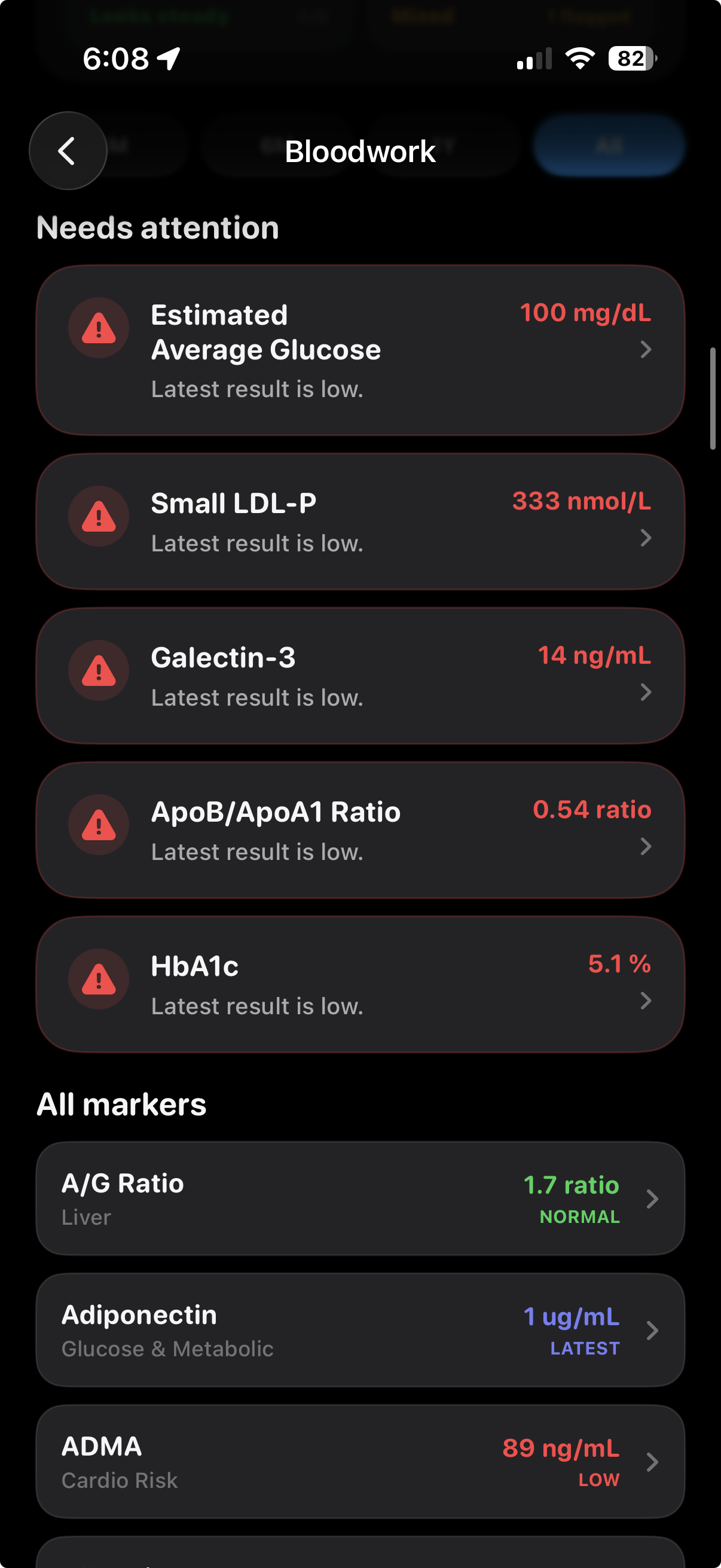
Uploaded lab reports can become organized marker context, so Coach can consider confirmed bloodwork categories alongside meals, goals, and trends when users ask follow-up questions.

ForkYa! bloodwork overview with marker categories
ForkYa! bloodwork markers needing attention